Old Kindle, new books
James JarvisReally quite a poor format for reading web pages
Projects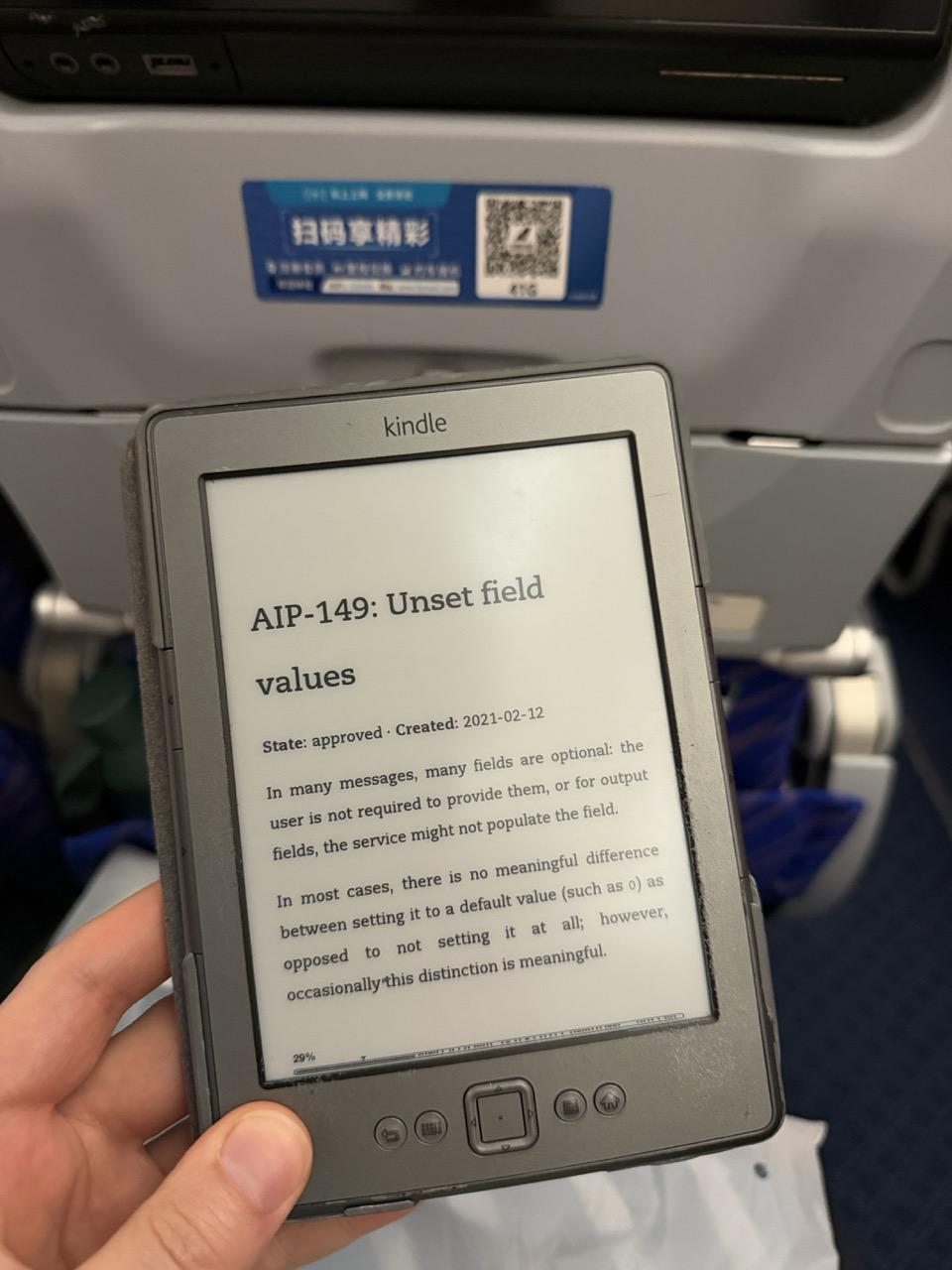
Had a long flight recently on the way back from China and with a new contract starting the week after, I got insert AI of choice, my preference was Claude at the time to pull all of the Google AIPs into an old-format .mobi file so I could brush up on them whilst offline.
This Kindle is now ~15 years old, and owes me no favours, yet I’ve been trying to use it a bit more to get off of my phone and relax my eyes a little.
I’ll admit the e-ink display is my favourite bit of technology that has been stuck in limbo due to patent trolls, I have a few of these projects around my house including another I haven’t written about yet. It’s much easier on the eyes and the lack of backlight forces me into traditional reading spaces where I get more ambient light other than a bright rectangle blasted onto my retina.
Whilst this project worked fairly well in that I got the AIPs onto the kindle in a readable format, they aren’t designed to be read back-to-front like this, and on this old kindle there is no easy way to add Notes/bookmarks or navigate. I did get links supported and code/graphs rendered, but it just wasn’t a great format.
If you have any recommendations for other e-ink display devices that aren’t a nightmare to use/lock you into expensive subscriptions, please reach out with recommendations!
I’m also enjoying finding new (old?) ways of keeping skills up to date in a time when every answer is just a prompt away, let me know what tips you have for this! Or, roast the condition of my kindle 😅